Clone App Pro
Advertisement
Apps Overview
Clone App Pro APK lets you clone apps, run multiple accounts, hide apps, and secure private data in a parallel space for better privacy and multitasking on Android devices.
Table of Contents
Clone App Pro APK – The Ultimate Dual Space Solution for Multi-Account Management
In a world where one person often manages multiple identities across social platforms, games, and work tools, the limitation of “one account per app” feels outdated. Whether you’re juggling business and personal communication or running multiple gaming profiles, switching accounts constantly can be frustrating and time-consuming. That’s where Clone App Pro APK steps in as a practical and powerful solution.
Clone App, also known as XClone App, is more than just an app cloner. It is a complete privacy and multi-account management tool built on Android virtualization technology. By creating a secure parallel environment, it allows users to duplicate apps, run multiple accounts simultaneously, and hide sensitive content without interference between data streams.
What Is Clone App Pro APK?
Clone App Pro APK is an advanced Android utility designed to replicate applications into a virtual space, enabling multiple instances of the same app to run independently. This means you can use two or more accounts of platforms like WhatsApp, Facebook, Instagram, or even games like Free Fire and Mobile Legends on a single device without conflicts.
The app works by building a sandboxed environment—often referred to as a “parallel space”—where cloned apps operate as if they were installed separately. Each cloned instance maintains its own data, login credentials, and activity, ensuring complete separation between accounts.
Unlike traditional account-switching methods, Clone App eliminates the need to log in and out repeatedly. Everything runs simultaneously, offering a seamless and efficient user experience.
Why Clone App Is Becoming Essential
Modern users are no longer limited to a single online identity. Professionals manage business profiles alongside personal ones, gamers maintain multiple accounts for different strategies, and social media users often handle multiple personas.
Clone apps emerged as a direct response to this growing demand. Instead of relying on multiple devices, users can now centralize everything on one smartphone.
Advertisement
Clone App Pro APK takes this concept further by combining cloning, privacy protection, and media management into one unified platform.
Parallel Space Technology Explained
At the core of Clone App lies Android virtualization technology. This system creates a virtual operating layer within your phone, allowing apps to run in isolation from the main system.
Think of it as having a second phone inside your phone. Each cloned app behaves independently, with its own storage, cache, and login session. This isolation ensures that no data overlaps between accounts, providing both convenience and security.
This method is widely used in leading cloning tools and is recognized for its efficiency and reliability in managing multiple app instances.
Multi-Account Management Made Simple
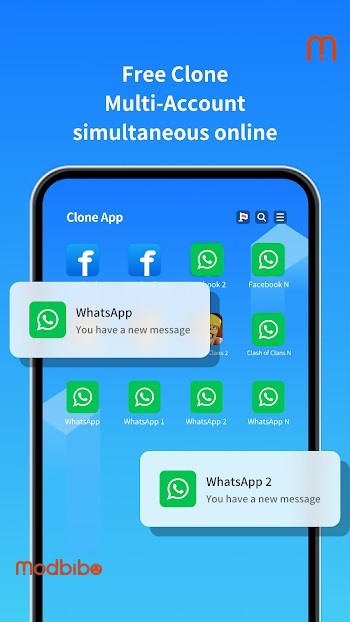
One of the strongest advantages of Clone App Pro APK is its ability to handle multiple accounts effortlessly. Instead of constantly logging in and out, users can operate several accounts at the same time.
For example, you can:
Run two WhatsApp accounts simultaneously
Manage personal and business Facebook profiles side by side
Use multiple Instagram accounts without switching sessions
Play different game accounts at the same time
The app supports a wide range of platforms, including messaging apps, social networks, and popular mobile games. This makes it especially useful for influencers, marketers, gamers, and anyone who relies on multiple digital identities.
The free version typically allows two accounts per app, while the Pro or VIP version unlocks unlimited cloning capabilities.
Complete Data Isolation for Security
Security is often a concern when dealing with multiple accounts. Clone App addresses this by ensuring complete data separation between each cloned instance.
Each account operates in its own environment, meaning:
No shared login data
No cross-account tracking
No accidental message overlap
No risk of mixing personal and work information
This level of isolation is particularly valuable for professionals who need to keep business communication strictly separate from personal conversations.
Built-In App Lock for Privacy Protection
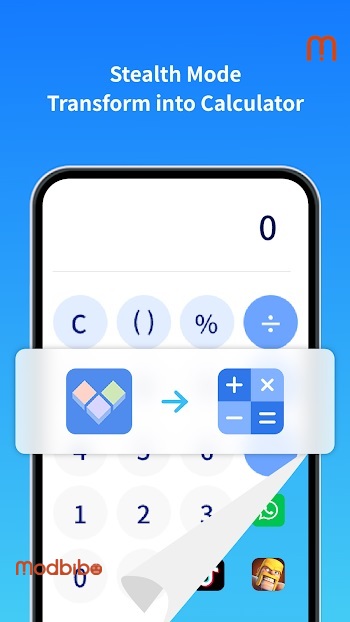
Clone App Pro APK goes beyond simple cloning by integrating an app lock feature. This allows users to secure their cloned apps with a password or PIN, preventing unauthorized access.
This is especially useful in situations where:
You share your device with others
You store sensitive business information
You want to protect private conversations
With the app lock enabled, even if someone accesses your phone, they won’t be able to open protected apps without authentication.
Private Vault for Photos and Videos
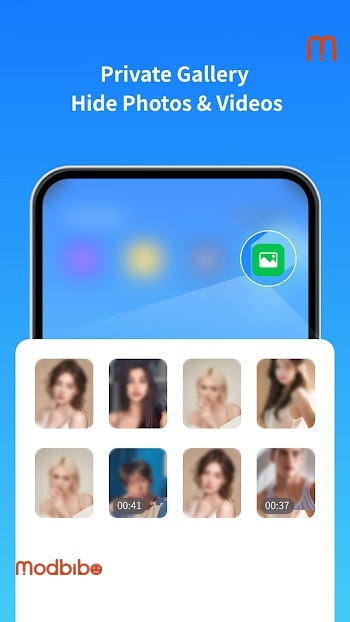
Another standout feature is the private album, which functions as a hidden storage space for media files.
Photos and videos stored in this vault are completely removed from the main gallery, making them invisible to anyone browsing your device. These files can only be accessed within the secure environment of Clone App.
This feature is ideal for users who value privacy and want to keep personal content hidden from public view.
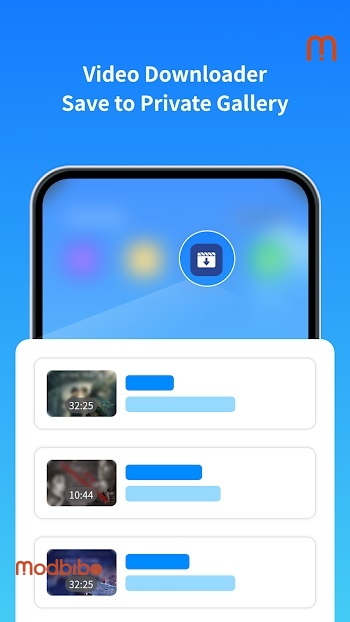
Advanced Video Downloader Integration
Clone App Pro APK also includes a built-in media downloader that enhances the browsing experience.
When you browse websites within the app, it can automatically detect video and audio resources. With a single tap, you can download these files directly into the app’s secure storage.
Unlike traditional downloads, these files are not saved in the device’s public gallery. Instead, they remain inside the app’s private environment, ensuring both privacy and organization.
Hide Apps from Your Device
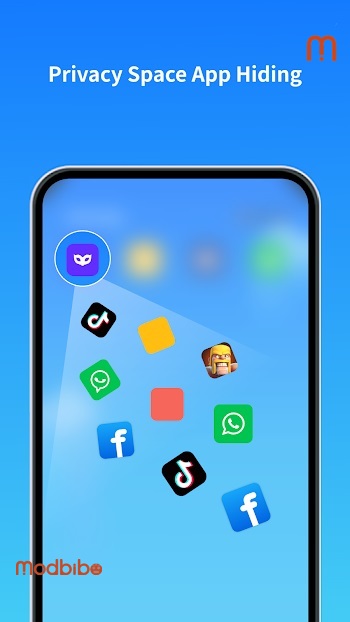
One of the most appealing features is the ability to hide apps entirely. Clone App allows you to move selected apps into its secure vault, making them invisible on your home screen and app drawer.
This is particularly useful for:
Keeping social apps private
Hiding games or personal tools
Maintaining confidentiality in shared environments
Advertisement
The hidden apps can only be accessed through Clone App, adding an extra layer of discretion.
Seamless File Transfer Between Devices
Switching devices can often be a hassle, especially when you have multiple accounts and stored data. Clone App simplifies this process with its file transfer feature.
Users can migrate cloned apps and private data to a new device without losing information. This ensures continuity and convenience, especially for users who frequently upgrade their smartphones.
Compatibility with Popular Apps and Games
Clone App Pro APK is designed to support a wide range of applications, including:
Social media platforms like WhatsApp, Facebook, Instagram, Telegram, and Snapchat
Messaging apps such as LINE and Messenger
Popular games like Free Fire, Mobile Legends, Clash of Clans, and eFootball
This broad compatibility ensures that users can clone almost any app they rely on daily.
Who Should Use Clone App Pro APK?
This app is ideal for a wide variety of users:
Business professionals managing multiple accounts
Social media managers handling client profiles
Gamers running multiple accounts for strategy or progression
Privacy-conscious individuals who want to hide apps and data
Anyone tired of logging in and out repeatedly
Whether you’re working, gaming, or simply organizing your digital life, Clone App provides a flexible and efficient solution.
Performance and User Experience
Despite running multiple apps simultaneously, Clone App is designed to remain lightweight and efficient. The virtualization system ensures smooth performance without significantly impacting device resources.
Users can switch between cloned apps instantly, making multitasking more convenient than ever.
The interface is intuitive and easy to navigate, even for beginners. Setting up cloned apps takes just a few taps, and managing them becomes second nature over time.
Advantages Over Traditional Methods
Before clone apps existed, users relied on multiple devices or constant account switching. Both approaches were inconvenient and inefficient.
Clone App Pro APK offers several advantages:
No need for multiple phones
No repeated login/logout cycles
Better organization of accounts
Enhanced privacy and security
Centralized control over apps and data
This makes it a modern solution tailored for today’s digital lifestyle.
A Balanced Perspective
While Clone App provides powerful features, users should also be aware that some apps may detect virtualization environments. Certain games or platforms may restrict usage in cloned spaces.
However, for most everyday applications, Clone App works smoothly and reliably.
Final Thoughts
Clone App Pro APK represents a significant step forward in mobile multitasking and privacy management. By combining app cloning, data isolation, and security features into one platform, it offers a comprehensive solution for modern smartphone users.
Whether you’re managing multiple social accounts, protecting private data, or simply looking for a more organized digital experience, Clone App delivers flexibility and control in a way that traditional apps cannot.